 Warp
WarpTemplates · Christmas
Christmas text templates
Stocking names, ornaments with a name and year, Christmas Eve boxes, matching family shirts, Merry and bright signs. Open one, type your words, download a PNG or a cut-ready SVG.
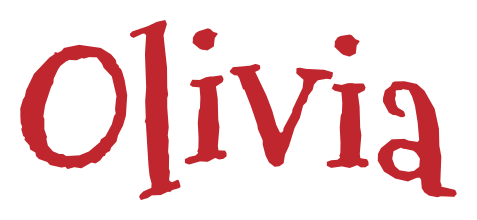
Stocking name
A name in a frosty holiday font, arched gently to sit on the cuff of a stocking.
You change: name
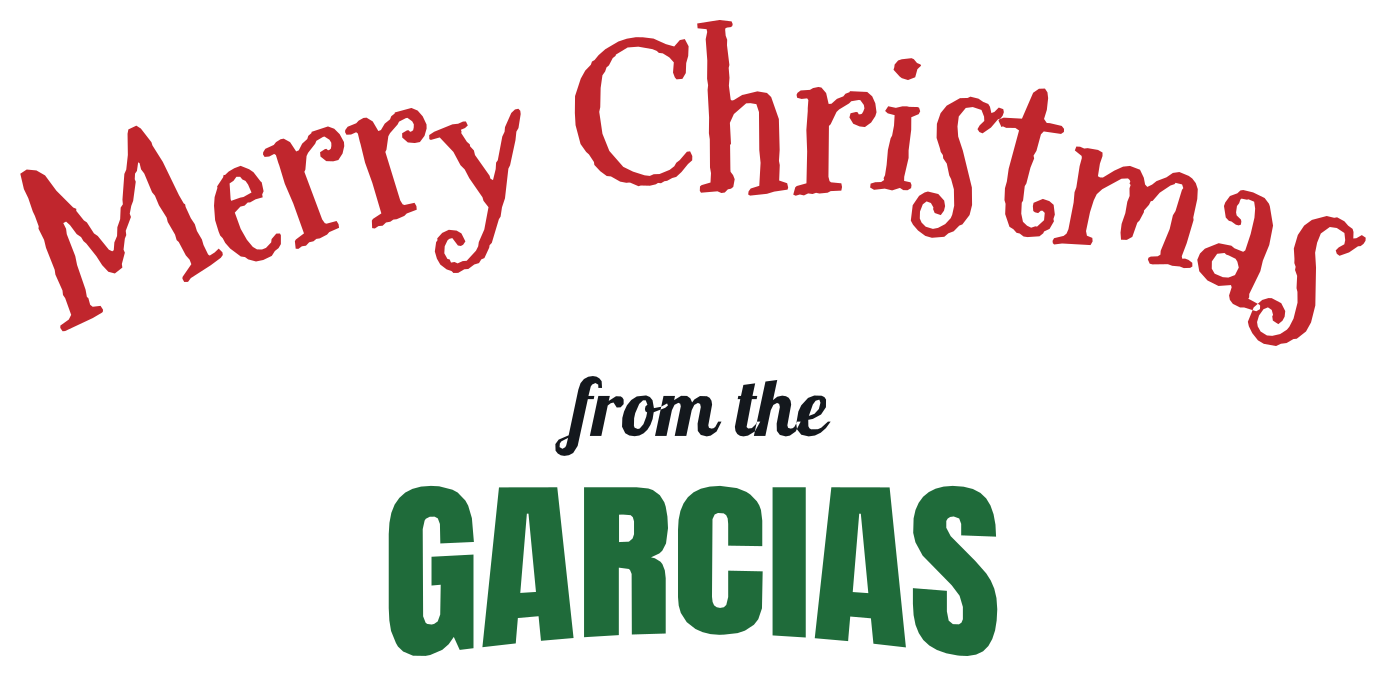
Merry Christmas from the family
'Merry Christmas' arched over the family name, for a porch sign, a door hanger or a card.
You change: greeting, joining words, family name
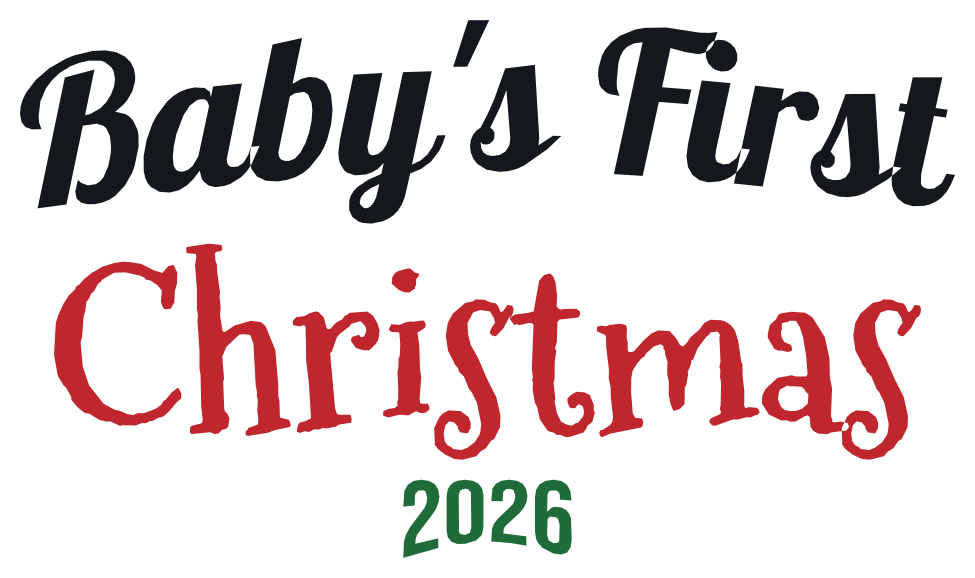
Baby's first Christmas
Three lines stacked into a round, the way an ornament is lettered: a script top, the holiday, the year.
You change: top line, holiday, year
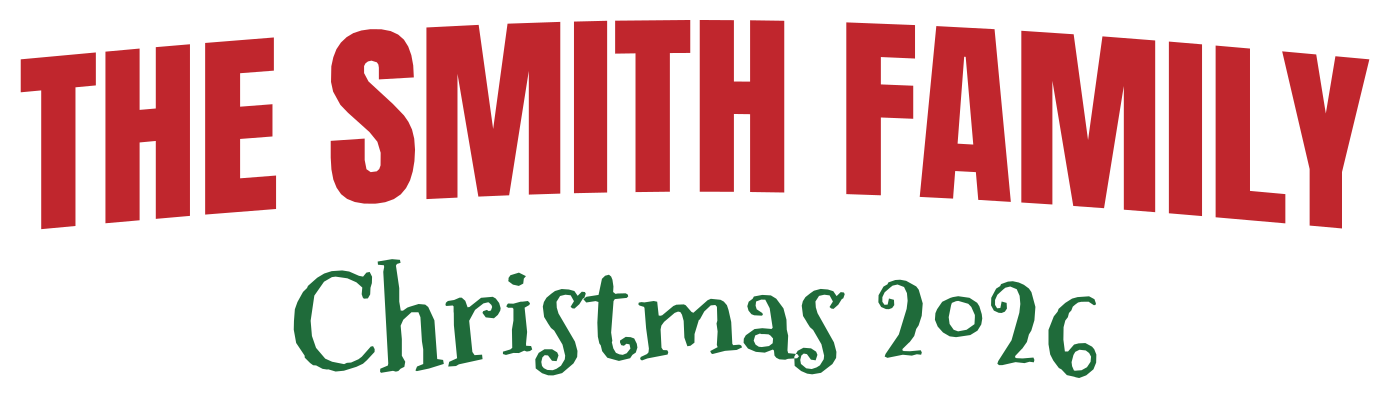
Family Christmas shirts
The family name arched in red over 'Christmas' and the year, for matching shirts and pajamas.
You change: family name, holiday and year

Most likely to
The matching-pajama game: one shared headline, and a different ending on every shirt.
You change: headline, ending
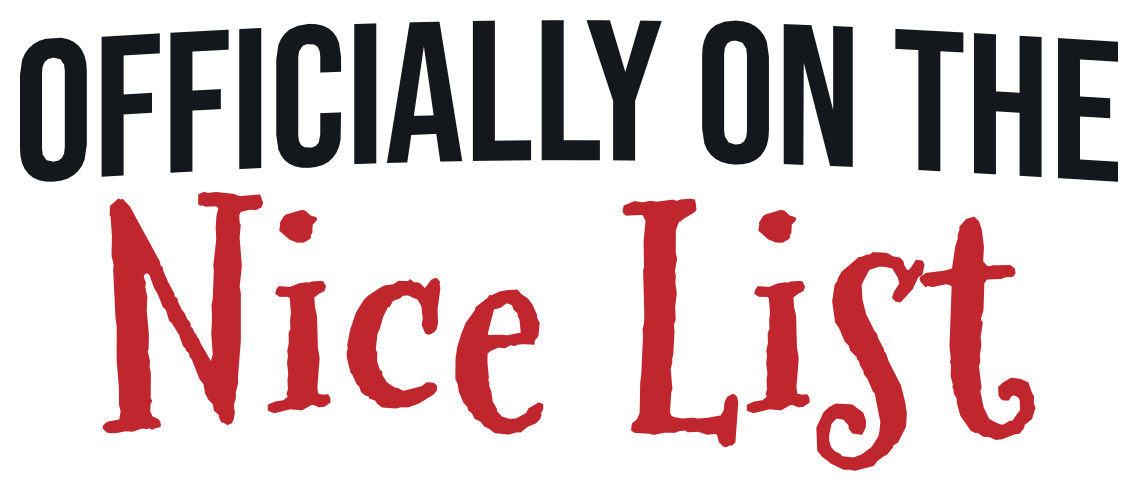
Officially on the nice list
A small capital line over 'Nice List' in a big holiday font, for a kid's shirt or a tumbler.
You change: top line, list
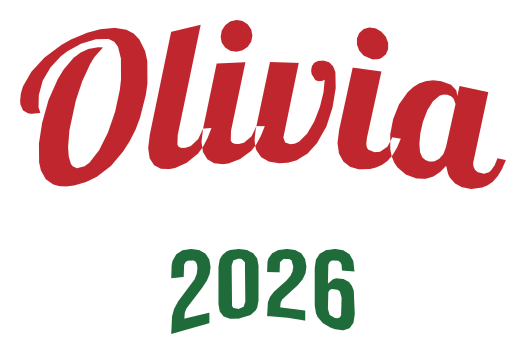
Ornament name and year
A script name arched up and the year curved down, framing the middle of a round ornament.
You change: name, year
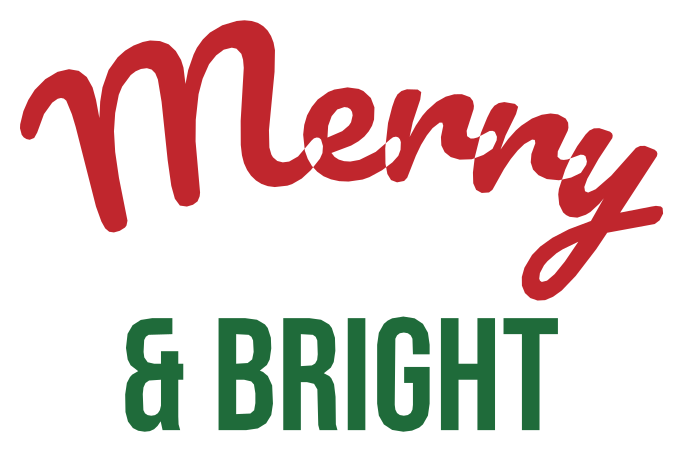
Merry and bright
'Merry' in red script over '& Bright' in tall green capitals, for a porch sign, a pillow or a shirt.
You change: top word, bottom words
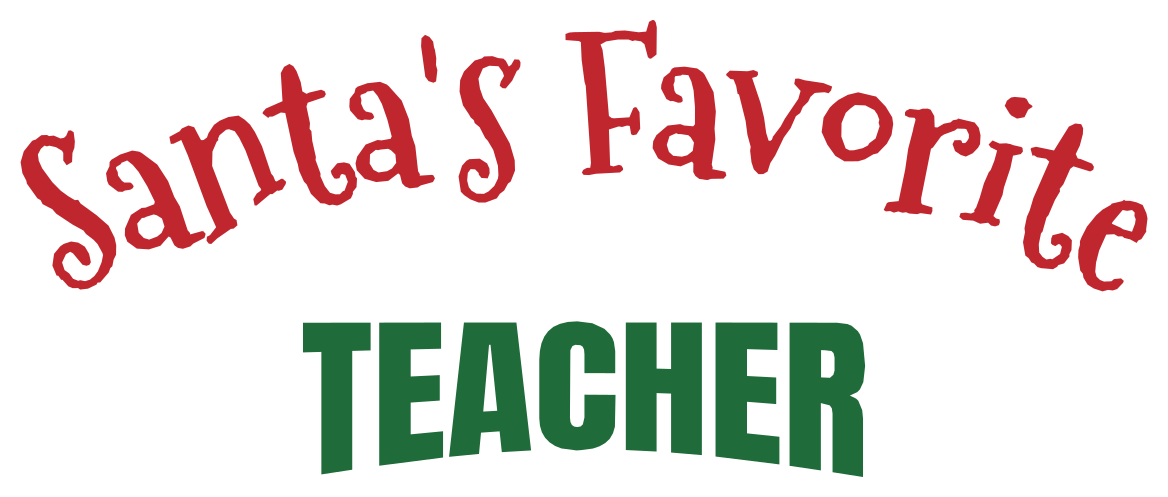
Santa's favorite
'Santa's Favorite' arched over a role in heavy capitals: teacher, nurse, coach, whoever gets the shirt or the mug.
You change: headline, role
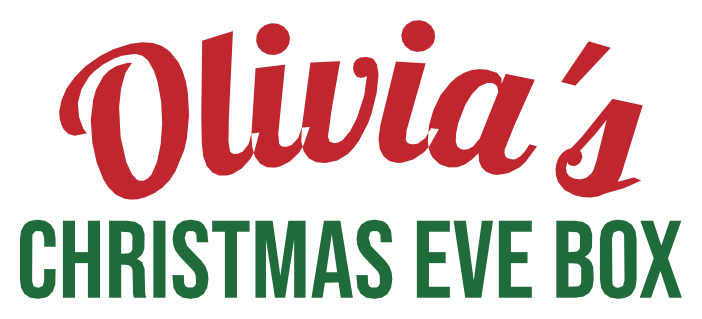
Christmas Eve box
A possessive name in script over 'Christmas Eve Box' in small capitals, sized to the lid of the box.
You change: name, label
In short
WarpImage's Christmas text templates are 10 ready-made curved text designs for stockings, ornaments, Christmas Eve boxes, matching family shirts and pajamas, porch signs and tumblers, each a design in the text warper set in fonts such as Mountains of Christmas. Open one, replace the sample words with yours, set the width in inches to the thing you are making, and download a transparent PNG or a cut-ready SVG that opens at its real size in Cricut Design Space and Silhouette Studio. Stocking name is one line and exports a free PNG up to 1,600 px. It is free to use, adds no watermark and does its work in your browser, so pictures, files and fonts never leave your device; the first 20 exports and share links need no sign-up, and a free account has no limit on them. The files a product is made from (cut-ready SVG and PDF, PNG past 1,600 px, designs of more than one line) come with Plus at $5 a month, after 3 trial files on a free account.
How to make one
- Pick a design above. It opens in the text warper with the sample words in place.
- Replace the words in the text boxes. Each line keeps its own font, curve and colour; change any of them, or drag Bend.
- Set the width in inches to what you are making. On a shirt, cut 9 to 11 in wide for an adult, 7 to 8 in for youth and 5 to 6 in for a toddler (sizes and placement); on a tumbler, see curved text for tumblers and the tumbler curve calculator for tapered cups. For anything else, measure its flat face and type that width.
- Download. The SVG opens at that size in Cricut Design Space and Silhouette Studio, one welded shape per colour; for iron-on vinyl, turn Mirror on before cutting. The PNG is transparent, for printable vinyl, stickers and posts.
Christmas fonts
The templates set their headlines in Mountains of Christmas, which comes with the tool so it opens at once, next to script and block fonts for the smaller lines. The font list holds more than 1,900 Google Fonts; for the same mood try Berkshire Swash, Emilys Candy and Henny Penny. All of them are open-licence, so what you make with them is yours to sell.
More templates
Halloween text templates · All templates: names and dates for tumblers, school, team and family shirts, welcome signs and post titles.
Frequently asked questions
How do I put a name on a Christmas stocking?
Open the stocking template, type the name and set the width in inches to the cuff, leaving a margin at each side. Download the SVG, cut it in iron-on vinyl with Mirror on, and press it onto the cuff.
How do I letter a round ornament?
The ornament name and year template arches the name up and curves the year down, leaving the middle of the ornament open; Baby's first Christmas stacks three lines into a round. Replace the words, set the width to the flat face of the ornament, and cut it in adhesive vinyl.
How do I put a name on a Christmas Eve box?
Open the Christmas Eve box template, type the name, and set the width in inches to about two thirds of the lid so the lettering sits with a margin. Download the SVG and cut it in adhesive vinyl for a wooden or card box; for a fabric sack, cut iron-on vinyl with Mirror on.
Can I make a different shirt for each person?
Yes: the Most likely to template keeps the headline and changes the ending. Change the second line, download, and repeat. The file name comes from the first line, so rename each file as you save it to keep a family set in order.
Are these Christmas templates free?
Opening and editing them is free. Stocking name is one line and exports a free transparent PNG up to 1,600 px. The designs of two or three lines, and every cut-ready SVG, are Plus files ($5 a month); a free account makes 3 of them to try.